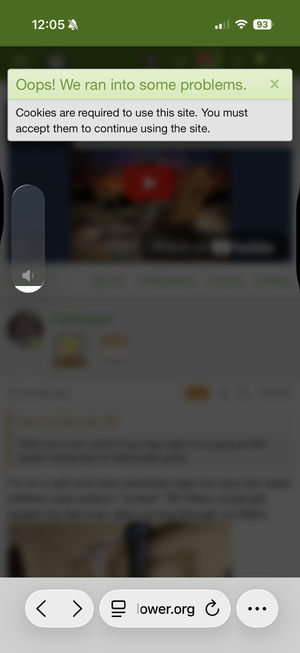
I've ran into the "ooops! we've run into a problem" frequently. It usually resolves it self if I try again a few mins later. I'm using edge browser on windows 11 pc using the empire 2.3.6a. 13600k, 5070ti and 32gb ddr 5 ram. I'll run and post a tracert next time it happens. What I find more annoying and making it extremely hard on the eyes is this website in particular flashes every couple seconds. It's like the web site is constantly refreshing itself. If that is the case it may be creating a DOS effect contributing to the "Ooops!" problem. However I've noticed lately the "refreshing" problem has subsided quite a bit.
(EDIT)
I just got the error again sitting Idle on the website.
Here is the tracert
C:\Users\BigMac>tracert
www.autoflower.org
Tracing route to autoflower.org [149.28.118.193]
over a maximum of 30 hops:
1 <1 ms <1 ms <1 ms 10.0.0.1
2 10 ms 8 ms 7 ms 174.2.160.1
3 13 ms 9 ms 8 ms rd4ha-be102-1.ss.shawcable.net [64.59.181.21]
4 9 ms 10 ms 8 ms rds2ha-be3.ss.shawcable.net [24.244.63.181]
5 9 ms 8 ms 8 ms rds1ha-be1.ss.shawcable.net [24.244.63.169]
6 16 ms 17 ms 17 ms rc3sc-be214.wp.shawcable.net [24.244.63.177]
7 33 ms 32 ms 33 ms rc4ec-be25-1.il.shawcable.net [66.163.75.134]
8 33 ms 32 ms 41 ms 20473.chi.equinix.com [208.115.137.46]
9 * * * Request timed out.
10 * * * Request timed out.
11 * * * Request timed out.
12 * * * Request timed out.
13 34 ms 33 ms 33 ms 149.28.118.193.vultrusercontent.com [149.28.118.193]
Trace complete.
C:\Users\BigMac>
PS C:\WINDOWS\System32> Test-NetConnection
www.autoflower.org -Port 80
ComputerName :
www.autoflower.org
RemoteAddress : 149.28.118.193
RemotePort : 80
InterfaceAlias : Ethernet 2
SourceAddress : 10.0.0.216
TcpTestSucceeded : True
PS C:\WINDOWS\System32> Test-NetConnection
www.autoflower.org -Port 443
ComputerName :
www.autoflower.org
RemoteAddress : 149.28.118.193
RemotePort : 443
InterfaceAlias : Ethernet 2
SourceAddress : 10.0.0.216
TcpTestSucceeded : True






 ppp
ppp



 ..or I'll bugger up your alerts............. Again......dun..dun..duuuuun....